Wheel
Spin Wheel
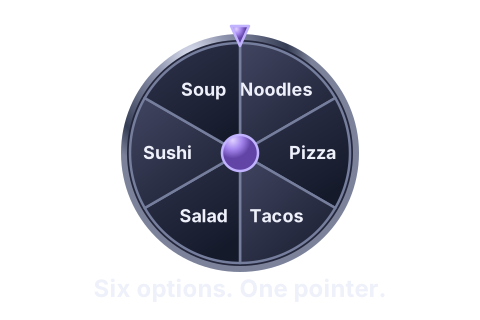
Put options around a wheel and spin to reveal one.
Try it for
Choose a lunch place.
Opens Wheel in the Sandbox. Add your own options there. Only the format selection carries over.
Retiroll · Decision Studio
Turn names, places, and ideas into a playful pick. Spin, roll, drop, or run a tournament.
Example choices
Spin to reveal one option.
Example result
A little suspense. Then your pick appears here.
Focus these controls: Space to try, 1–5 to switch, M for sound.
Optional movement is on.
How it works
Start with one choice. Presenting, sharing, and live rooms are optional.
Type or paste the people, places, or ideas you want to choose between.
Example lunch list
Noodles, Pizza, Tacos…
Use a wheel for a list, roll a number, or choose another format that fits.
Example format
Other formats: Dice · Reels
Run the choice and see what comes next.
Illustrative result
Lunch today: Noodles.An example, separate from your hero choice.
Everyday choices and group moments
A small list can move a group forward. Start with an example, then add your own options.
Explore the four examples in order. Each opens its recommended format.
Everyday
Illustrative example · 1 of 4
Six lunch ideas for an everyday choice. Enter your own list when you open Wheel.
Illustrative result
Lunch today: Noodles.Opens Wheel. Enter your own options to begin.
Examples stay on this page. Add your own choices in the tool.
Teams
Illustrative example · 2 of 4
Choose a first speaker from your team list. These names are fictional.
Illustrative result
First up: Morgan.Opens Wheel. Enter your own options to begin.
Examples stay on this page. Add your own choices in the tool.
Groups & events
Illustrative example · 3 of 4
Call a numbered entry for a gathering, creator event, or live audience.
Illustrative result
Entry called: 104.Opens Lottery Drum. Enter your own options to begin.
Examples stay on this page. Add your own choices in the tool.
Classrooms
Illustrative example · 4 of 4
Choose a discussion topic from your own list. These topics are examples.
Illustrative result
Next topic: Oceans.Opens Wheel. Enter your own options to begin.
Examples stay on this page. Add your own choices in the tool.
Ways to choose
Pick a format for your moment. Some reveal a choice; others invite a turn or a match.
Selected modeWheel
View selected modeSpin Wheel
Put options around a wheel and spin to reveal one.
Try it for
Choose a lunch place.
Opens Wheel in the Sandbox. Add your own options there. Only the format selection carries over.
Each format has its own controls and capabilities.
Prepare. Present. Keep the result.
One lunch example, from the first list to the final pick.
Paste a list, check the options, and make it ready for a pick.
Prepare my options Start with your own list in the Sandbox.1. Noodles 2. Pizza 3. Tacos 4. Salad 5. Sushi 6. Soup
Numbered prefixes removed
Keep attention on the choice when you're sharing a screen.
Explore presentation The guide explains presentation and stage zoom in the full tool.Presentation example
List editing and settings are tucked away. The presentation dock keeps run, sound, and zoom controls available.
Keep a readable result for the group.
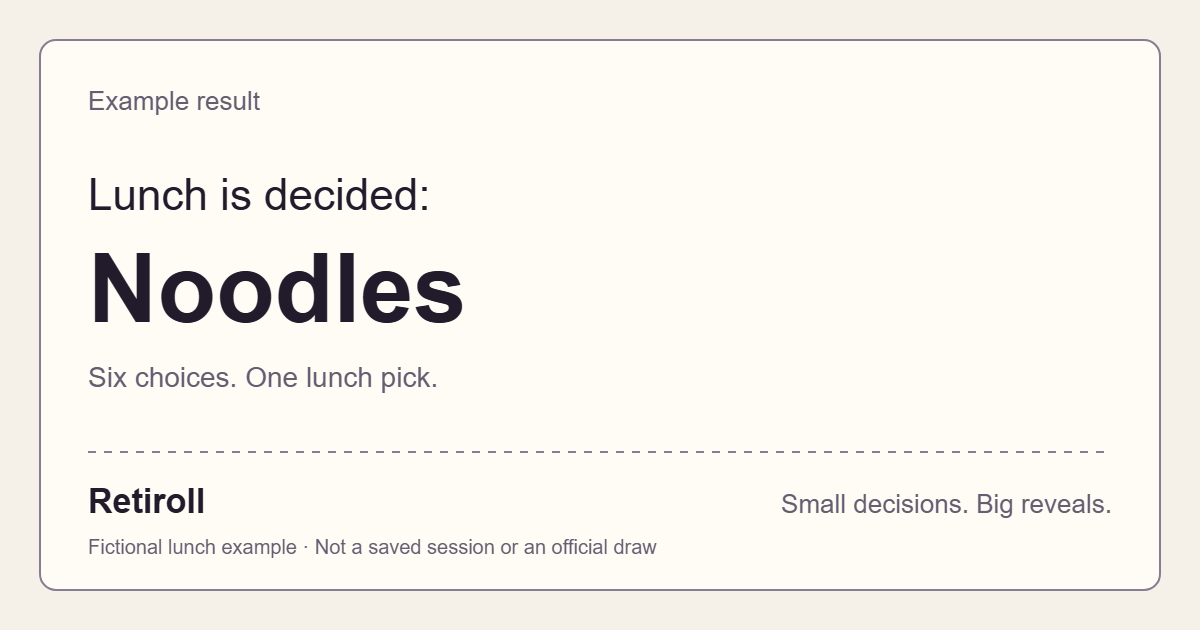
Downloads this fictional lunch example, independently of your hero result.Example result
Lunch is decided: Noodles
Six choices. One lunch pick.
Answers on access, joining, and comfortable use.
Use Retiroll for everyday picks, turn order, group activities, numeric rolls, and tournaments. Try choosing a lunch place with Wheel or a first speaker for your check-in.
Sandbox, device drafts and guest room sessions do not require registration. Sign in with a registered account for cloud saves. Multiplayer separates player seats from spectators and shared-view controls.
Explore Multiplayer →Choose Join a room and enter the six-character invitation code. Joining takes place in your browser. If a room is unavailable, ask the room owner to check its code and status.
Join a room →No—the formats work differently. Wheel, Reels, Bottle, and Plinko reveal choices; Dice rolls numbers and Lottery Drum draws labeled balls. Darts uses aiming, Mystery Cards includes selection or tracking, and Tournament advances matches through rounds.
Ways to choose →The Sandbox has a presentation stage with zoom controls; browser fullscreen is used when available. Displaying a local choice on a larger screen is separate from creating a shared live room. The guide explains the controls and browser limitations.
Read the presentation guide →Sound starts off; choose Enable sound beside the hero example to turn it on. Use Reduce motion to simplify the landing demonstrations and decorative effects. Your device’s reduced-motion preference takes priority; the full tool has its own controls.
Need more detail? FAQ & help covers setup and room codes. Read Privacy information for data and storage details.
Bring your options. Choose a format. See what comes next.